Discover Local Businesses
Downtown+ helps you discover and connect with local businesses and independent professionals in your area.
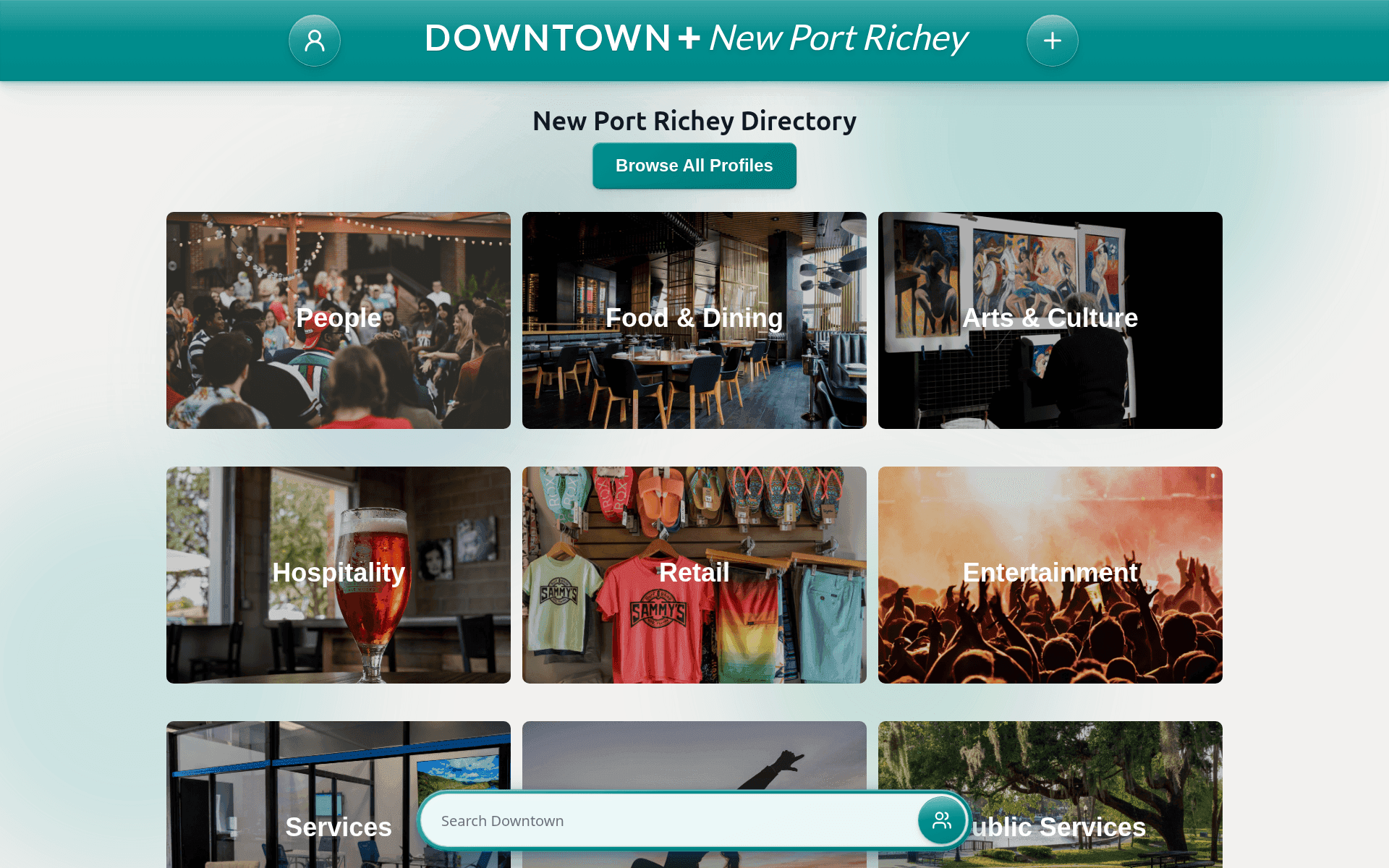
What You'll Find
Business Profiles include restaurants, retail shops, professional services, creative studios, health and wellness providers, and more.
Individual Profiles feature freelancers, local artists, community leaders, and independent service providers.
How to Use Profiles
- Browse by Category — Filter businesses by type
- Browse by Tag — Explore tags like "pizza", "live music", or "handmade" to find exactly what you're looking for
- Browse by Profession — Click the business type or occupation on any profile to see everyone in that profession
- Search by Name — Find a specific business
- Check Hours & Contact Info — Phone, address, website, hours
- View Photos — See what businesses look like
- Connect on Social Media — Follow on Facebook, Instagram, and more
Verified Profiles
Look for the verified badge on profiles. Verified profiles get priority placement in search and can keep more products, deals, and events running at once.
Verification is not what lets a business sell. Any approved business profile can list products and post deals, verified or not. For individual profiles it works differently: verification is what unlocks selling products, posting deals, publishing news articles, and adding a video introduction. See Get Verified for pricing.